
Virtual Home Staging
AI Virtual Staging for Empty Rooms
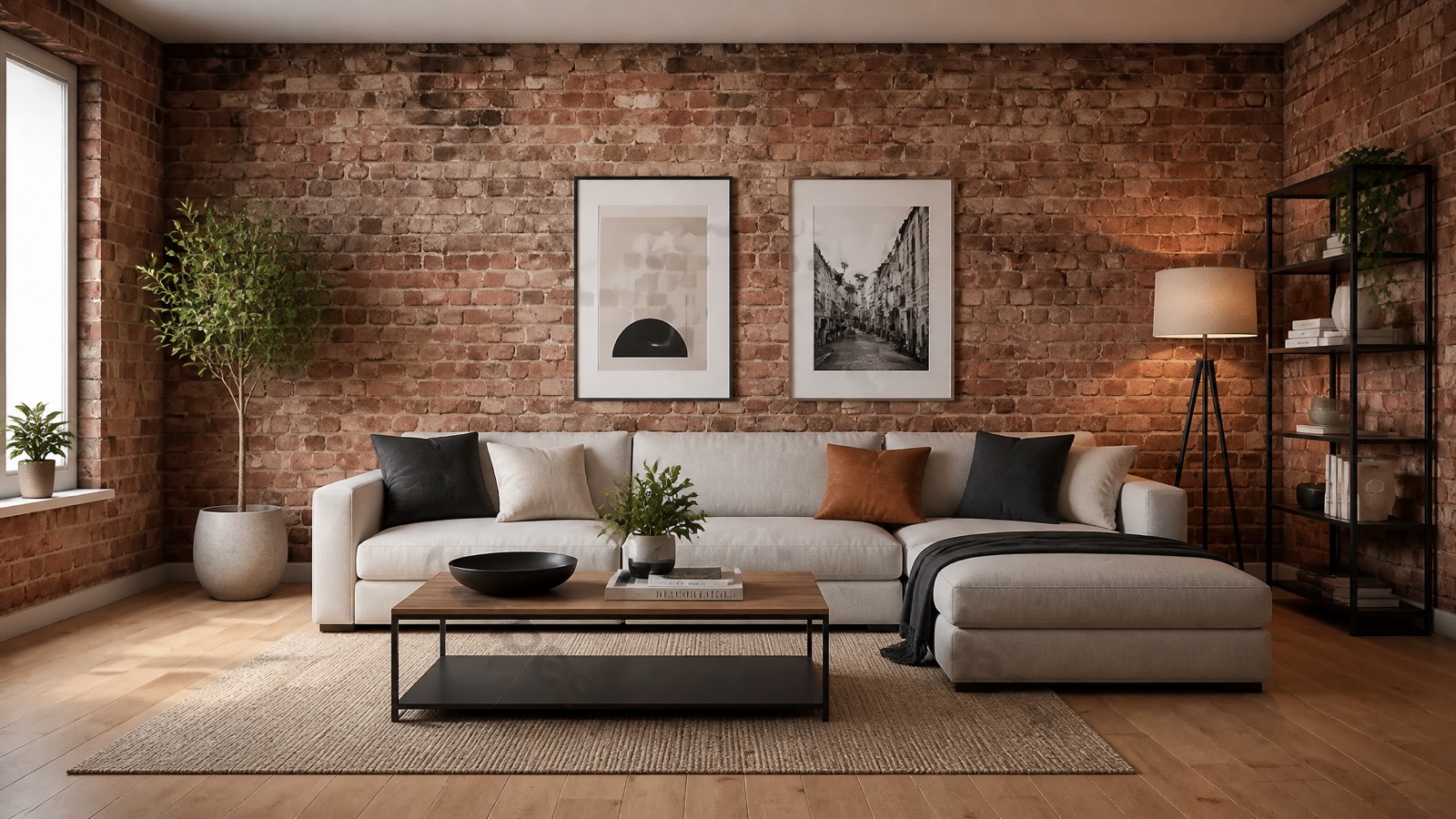
Turn an empty apartment into a lived-in home in minutes. Emlivo furnishes the room in the style you choose; buyers picture themselves living there and your listing stands out among empty-room photos. No furniture to move, no decorator to hire.
- Modern, luxury, Airbnb and more: you pick the style
- Light and perspective stay real, so the room is believable
- Modernise an old flat and stage the balcony and garden too
How it works
1
Upload a photo
A single photo of the empty room is enough.
2
Pick a style
Choose the room type and style; Emlivo does the rest.
3
Get the staged version
The staged image is ready in minutes; share it as before and after.
Examples
Real examples produced with this tool.
Plans
See all plans →Starter
$29/mo
Ideal entry plan for new agents.
Professional
$69/mo
Full toolkit for active agents.
Office
$149/mo
For offices, teams and heavy usage.
7-day free trial · then the plan price · cancel anytime.
Related tools
Frequently asked questions
Does virtual staging distort the room?
No. Walls, windows, floors and perspective stay exactly as photographed; AI virtual staging only adds furniture and decor. Buyers can still trust that the room they see is the real one.
How long does it take to furnish an empty room?
Upload the photo, pick the room type and style, and the staged image is usually ready in under a minute. You can re-run the same room in several styles and compare them side by side.
Which interior design styles are available?
You can choose from ready styles such as modern, luxury villa and Airbnb, and set wall and floor colors. Beyond adding empty room furniture, there are also modernize and outdoor modes for tired or exterior spaces.
Can I get a before/after image?
Yes. Home staging results can be exported as a side-by-side comparison with a "Virtually Staged" badge. That keeps your real estate staging transparent and honest in the listing.
Get started with Virtual Home Staging
Start with a 7-day free trial.
Pricing
Choose the plan that fits you
Every plan has a 7-day free trial with 10 credits. Add your card and nothing is charged today; cancel before the trial ends and you pay nothing, or keep going and the plan fee is charged automatically on day 7. The trial applies to credit cards; debit card payments are charged in full immediately.
Starter
$15/mo
first month, then $29/mo
Ideal entry plan for new agents.
- 40 credits per month
- Parcel Tour, Land & Home Showcase — unlimited
- ~8-10 listings / month
- Unlimited listing copy & images
- Home staging & maps
- Email support
Most Popular
Professional
$35/mo
first month, then $69/mo
Full toolkit for active agents.
- 120 credits per month
- Parcel Tour, Land & Home Showcase — unlimited
- ~25-30 listings / month
- Video & drone generation
- CRM & Lead Board
- Instagram integration
- Priority support
Office
$75/mo
first month, then $149/mo
For offices, teams and heavy usage.
- 300 credits per month
- Parcel Tour, Land & Home Showcase — unlimited
- All tools included
- Instagram DM & comment automation
- Brand & logo customization
- Dedicated support
Have a question?
Message us now.
Support team, 24 hours a day, 7 days a week
Turkish support · WhatsApp and e-mail